AI Filmmaking & Short Films
Make Short Films With AI-Generated Footage
You don’t need a crew, a location, or a camera. You need a story, a visual style, and the patience to iterate until every shot looks right. ChatCut’s AI video generator turns detailed prompts into cinematic footage.
Independent filmmakers are using ChatCut to produce narrative shorts across every genre: sci-fi, anime, horror, action, Bollywood, experimental. The process is different from traditional filmmaking, but the ambition is the same: tell a story that looks and feels cinematic.
How it works
The workflow starts with concept art or a visual reference, moves through shot-by-shot scripting, and ends with a fully assembled short film complete with voices, music, and sound design. Musicians exploring similar visual techniques can also apply this to music video production.
Develop your concept
Start with a visual reference, mood board, or concept art. Define your genre, tone, and visual style before writing a single prompt.
Script shot by shot
Break your story into individual scenes. Each scene gets its own detailed prompt describing camera angle, lighting, movement, costume, and action.
Generate with Seedance
Produce each scene as a Seedance clip. Expect 5-10 iterations per shot to get consistency, motion quality, and the exact look you want.
Add voices and sound
Layer in TTS dialogue for characters, AI-generated music for score, and sound effects for atmosphere.
Assemble and polish
Arrange all scenes on the timeline, adjust pacing, add transitions, and fine-tune the edit until the story flows.
Export your film
Render the final cut at full quality. Your short film is ready for festivals, YouTube, or social media.
The prompt craft
This is where AI filmmaking gets serious. The best creators in this space don’t write vague descriptions. They write production briefs.
Early prompts tend to be narrative: “a man walks through a dark forest at night.” These work, but they give you generic results. The filmmakers getting the best output have evolved their prompt language to include film-specific technical direction.
Seedance generates a moody rooftop sequence with cinematic color science, controlled camera rotation, and the shallow-focus look typical of large-format cinema cameras.
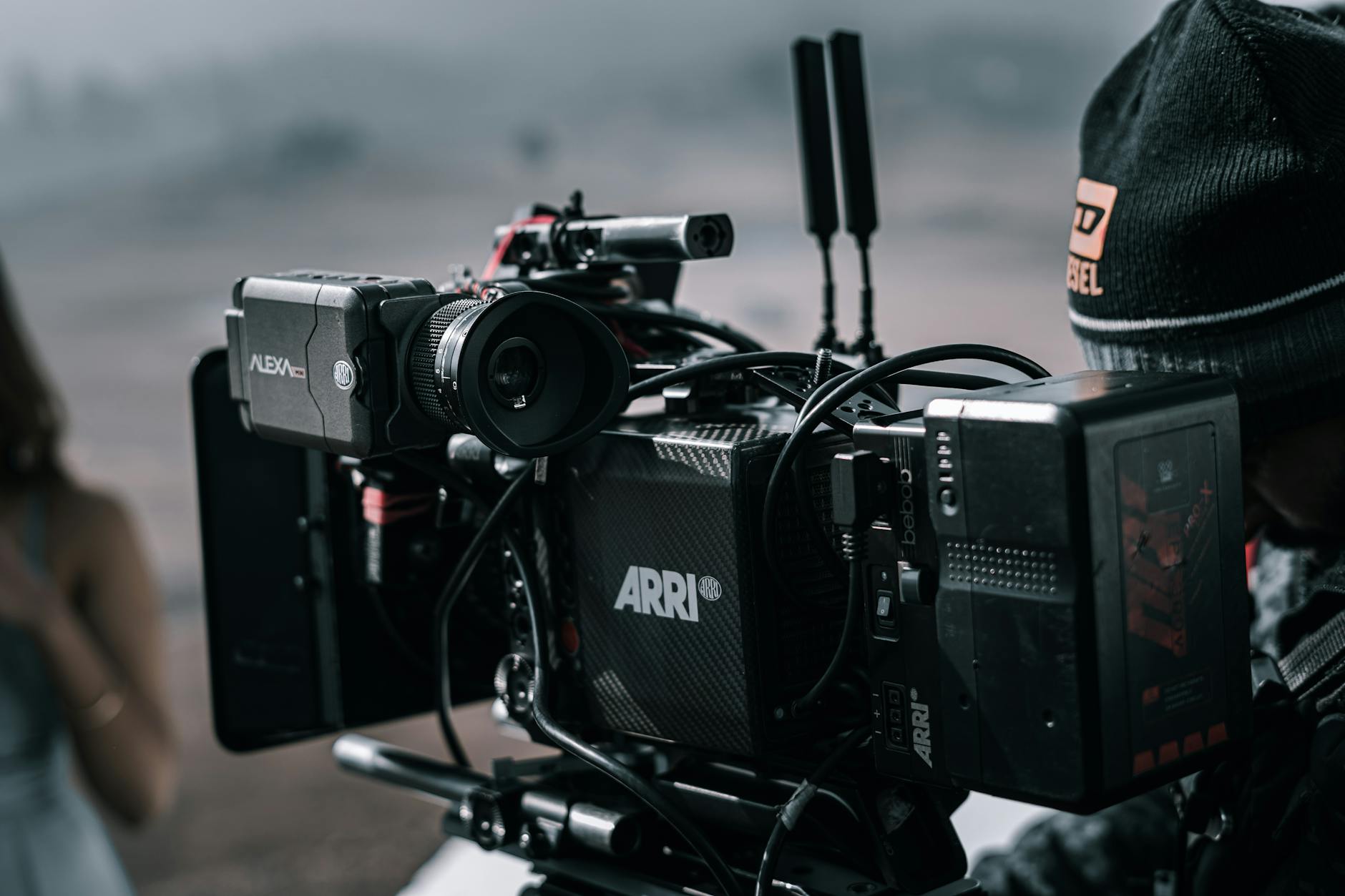
Notice what’s in that prompt: camera system (ARRI Alexa 65), movement (tight rotating), duration (10 seconds), lighting (neon accent), format (9:16). The more specific your technical direction, the more consistent your output.
An intense first-person perspective shot with convincing zero-gravity physics, emergency atmosphere, and the speed and instability of drone footage.
Iteration is the process
Here’s what separates casual AI video generation from actual filmmaking: iteration count.
Casual users generate one clip and move on. Filmmakers generate 5-10 versions of every shot, comparing them for consistency with previous scenes. Does the character’s outfit match? Is the color palette the same? Does the lighting direction make sense in the story’s timeline?
You describe the edit. ChatCut executes it. But you’re the director. You decide when a take is good enough and when it needs another pass.
The most productive approach is to batch-generate multiple takes of each shot, review them together, pick the best one, and then refine with additional prompts that add constraints based on what you liked and didn’t like.
Negative constraints matter
Experienced AI filmmakers spend as much time writing what they don’t want as what they do want. These negative constraints keep Seedance from defaulting to common AI artifacts:
- No morphing between unrelated objects
- No floating or disconnected limbs
- No sudden style shifts mid-clip
- No unnatural camera acceleration
Self-imposed rules like these aren’t just about quality; they’re about developing a consistent visual language that holds across an entire short film.
Genre-specific techniques
Sci-fi and horror benefit from controlled lighting prompts. Specify light sources, shadow direction, and atmosphere (fog, smoke, haze). These genres forgive small imperfections because the stylization is already high.
Anime and illustration styles need explicit art direction references. Name specific visual styles rather than hoping the model guesses your intent.
Action sequences require breaking fast movement into shorter clips with matching camera energy. A 10-second fight scene might need three 3-4 second Seedance clips cut together rather than one continuous generation.
Bollywood and musical styles work best when you match camera movement to rhythm. Specify BPM-aware timing in your prompts when possible.
Sound design closes the gap
Visuals alone don’t make a film. The difference between “AI-generated clips strung together” and “a short film” is almost always the audio layer.
ChatCut’s AI voiceover gives you character voices. AI music generation provides original scores. Together with sound effects, these audio layers make the visual experience feel authored and intentional rather than random.
Don’t click through menus. Just tell ChatCut what you want. “Add a tense synth score that builds through this sequence” or “give the narrator a calm, deep voice with slight reverb.”
Who’s doing this
The filmmakers producing the strongest work in ChatCut tend to be visual thinkers who’ve hit resource ceilings with traditional production. They can’t afford actors, locations, and crew for every idea. But they have detailed creative visions and the discipline to iterate until the output matches.
They often spend more time on a single short film than a casual user spends in a month. Their prompts run 100+ words per shot. They maintain style documents to keep visual consistency across scenes. And they keep coming back because every generation cycle makes their technique sharper.
This isn’t a shortcut to filmmaking. It’s a different production pipeline that trades physical logistics for prompt engineering and iteration. The creative ambition stays the same.