Music Video Production
Music Videos Without a Production Budget
You’ve got the track. It’s mixed, mastered, and ready. Now you need visuals: performance footage, scene work, atmosphere, lighting. The traditional route means hiring actors, renting a location, booking a DP, and hoping the weather cooperates.
Or you write the most detailed prompt you’ve ever written and let the AI video generator produce exactly what you see in your head.
How musicians use ChatCut for MVs
Music video production in ChatCut is 100% Seedance generation. Every shot is AI-generated from detailed prompts that describe camera movement, lighting, costume, atmosphere, and rhythm. There’s no uploaded footage to start with. The entire visual layer is created from text.
That sounds limiting until you see what’s actually being produced. The creators making the strongest MVs in ChatCut write 1,000+ word prompts per shot. They’re not casually generating clips. They’re directing scenes with the same specificity a DP would use on set.
Break the track into visual sections
Map your song's structure (intro, verse, chorus, bridge, outro) and decide what each section should show visually.
Write detailed prompts per shot
Each shot gets its own prompt with specific directions for camera angle, movement, lighting, costume, set design, atmosphere, and timing.
Generate and iterate
Produce each shot with Seedance. Review, refine your prompt, regenerate. Repeat until every frame matches your vision.
Assemble to the beat
Arrange all generated clips on the timeline, synced to your track. Cut on beats, match energy shifts to visual transitions.
Color and atmosphere pass
Ensure visual consistency across all shots. Adjust any scenes that drift from the established palette or mood.
Export your music video
Render the final MV at full quality. Ready for YouTube, streaming platform visualizers, or social promotion.
The prompt as production brief
The level of prompt detail in music video work is a category of its own. Here’s what a real MV prompt looks like in practice:
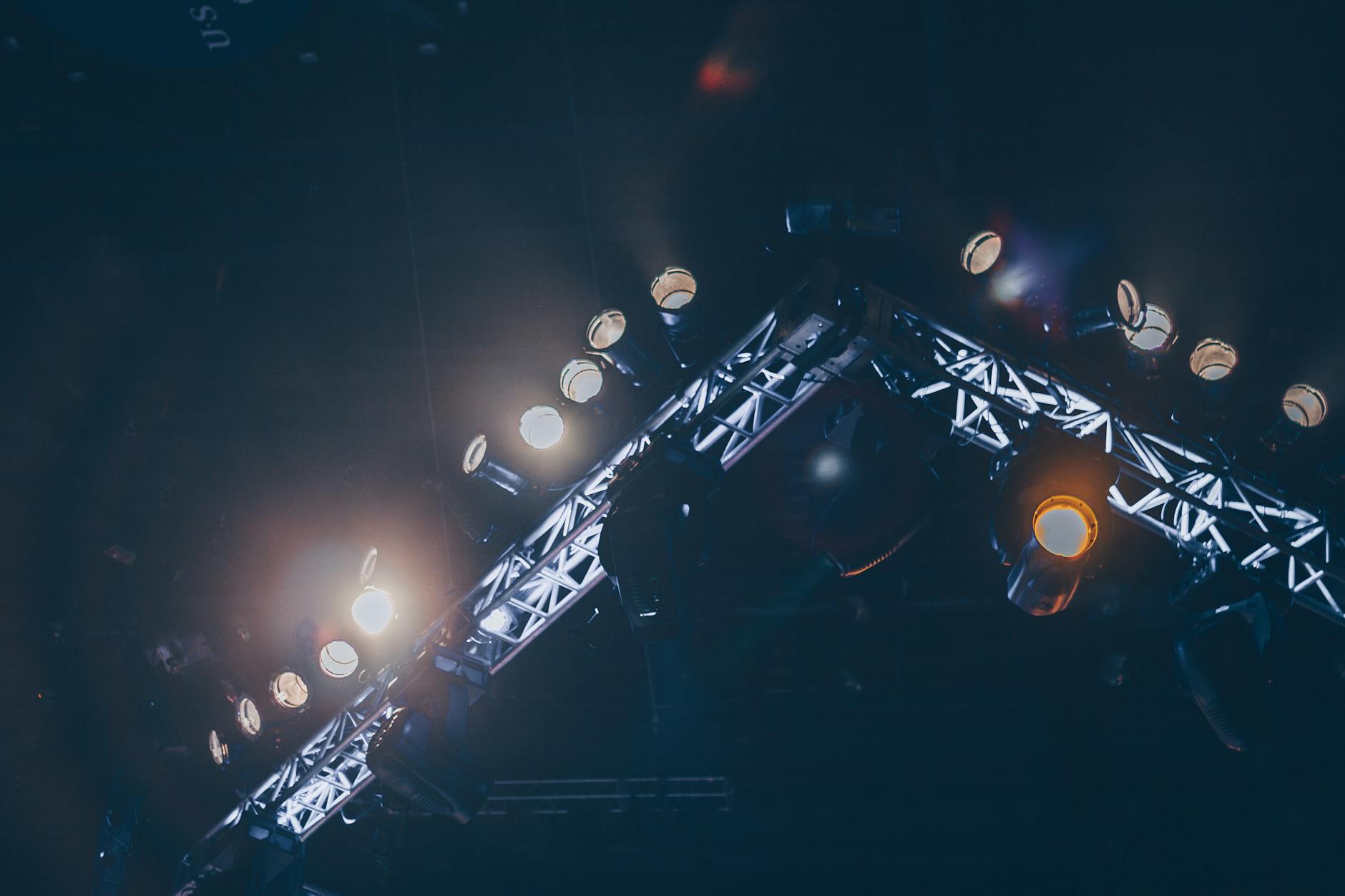
Seedance generates a moody, atmospheric nightclub scene with controlled lighting, consistent costume detail, smooth camera movement, and the cinematic shallow-focus look specified in the prompt.
Notice the negative constraints at the end: “no morphing, no floating objects, no style shifts.” Musicians working in this space develop their own anti-artifact rules, explicit instructions telling Seedance what not to do. These constraints aren’t optional; they’re just as important as the creative direction.
A dramatic silhouette shot with clear spatial relationships between performer, light source, and environment. The hold-before-zoom timing gives the shot breathing room before movement begins.
Why the prompts are so long
In traditional production, a director communicates through conversation, blocking rehearsals, monitor checks, and real-time adjustments. “Move the light two feet left.” “Let’s try that take with more intensity.” “Can we add haze?”
With AI generation, everything goes into the prompt. There’s no onset adjustment. Every detail, from the type of fabric on the jacket to the speed of camera movement to the color temperature of the backlight, needs to be specified in text.
You describe the edit. ChatCut executes it. But describing a music video shot at production quality takes serious prompt craft. The best MV creators treat each prompt like a mini-screenplay: location, blocking, wardrobe, lighting plot, camera plan, and explicit notes on what to avoid.
Self-imposed quality standards
The musicians producing the best work aren’t just writing detailed prompts. They’re developing personal quality frameworks, rules they apply to every generation before accepting a shot:
- No unexplained motion. Everything that moves should have a reason: camera move, performer action, environmental effect (smoke, light). Random floating elements break the illusion. AI sound effects can reinforce intentional motion.
- Consistent costume across shots. If the performer wears a black jacket in shot one, every subsequent prompt includes that same jacket description.
- Lighting continuity. Establish a lighting direction and stick with it across the entire sequence. If the key light is from the right in the verse, it stays from the right.
- Rhythm-aware cutting. Shots don’t just need to look good; they need to feel right against the beat. Cut points land on downbeats. Camera movements match the track’s energy.
Skip the menus. Type what you need. Every shot starts with a prompt, not a production meeting.
The iteration investment
A casual user might generate one clip per idea. MV creators generate 10-20 takes of important shots, comparing each for:
- Consistency with the established visual style
- Quality of camera movement
- Absence of AI artifacts
- Emotional match with the music at that timestamp
This iteration takes time. But here’s the thing: the alternative (hiring a crew, renting a location, shooting for a day, then editing for a week) takes far more time and far more money.
The creators who’ve committed to this workflow report cumulative spending in the hundreds of dollars across multiple projects, far less than a single day on a traditional set. Compare that to even a modest single-day shoot with a two-person crew, and it’s clear where the economics point.
Building a visual language
The most interesting development in AI music video production isn’t any single technique. It’s that musicians are developing distinct visual identities through their prompt libraries.
One dark electropop artist has a catalog of prompts that consistently produce moody, neon-lit, smoke-heavy visuals. A hip-hop creator maintains a completely different prompt vocabulary focused on wide shots, hard sunlight, and urban environments. Their videos don’t look anything alike, even though they’re using the same tools.
This is what happens when the creative constraint shifts from budget to imagination. The artist’s vision isn’t filtered through a production company’s house style or a DP’s personal preferences. It’s coming straight from their head, through their prompts, onto the screen.
No actors to direct. No crew to coordinate. No location to scout. Just your music, your vision, and the patience to iterate until every shot earns its place in the edit. Filmmakers working in a similar style can explore the AI filmmaking workflow for narrative shorts.